Dynamic device configuration
(from Scout version 15 2601)
When an eLux endpoint connects to Scout, it will receive its configuration. By default, eLux endpoints are being managed within organization units.
Organization units are managed in a tree structure. While there is a base configuration for organization units and devices, with the tree structure, these device configurations are inherited down the tree structure.
Depending on the requirements, an administrator can break this inheritance and a different device configuration can be defined for an organization unit or for endpoints.
Changes made in an upper level in the tree structure will then not be inherited anymore.
Using a flag called “check independent configurations”, the modified device configurations can be pushed down the tree structure, while manually choosing which configurations should be pushed.
When a device configuation has changed, there is a save option “Save and check independent configurations” for this feature to be applied.
For enabling a much more dynamic possibility to add specific configuration to devices, with the Scout Board version 15 2601, a rule and label based configuration approach has been added in addition to the default configuration mecahnism.
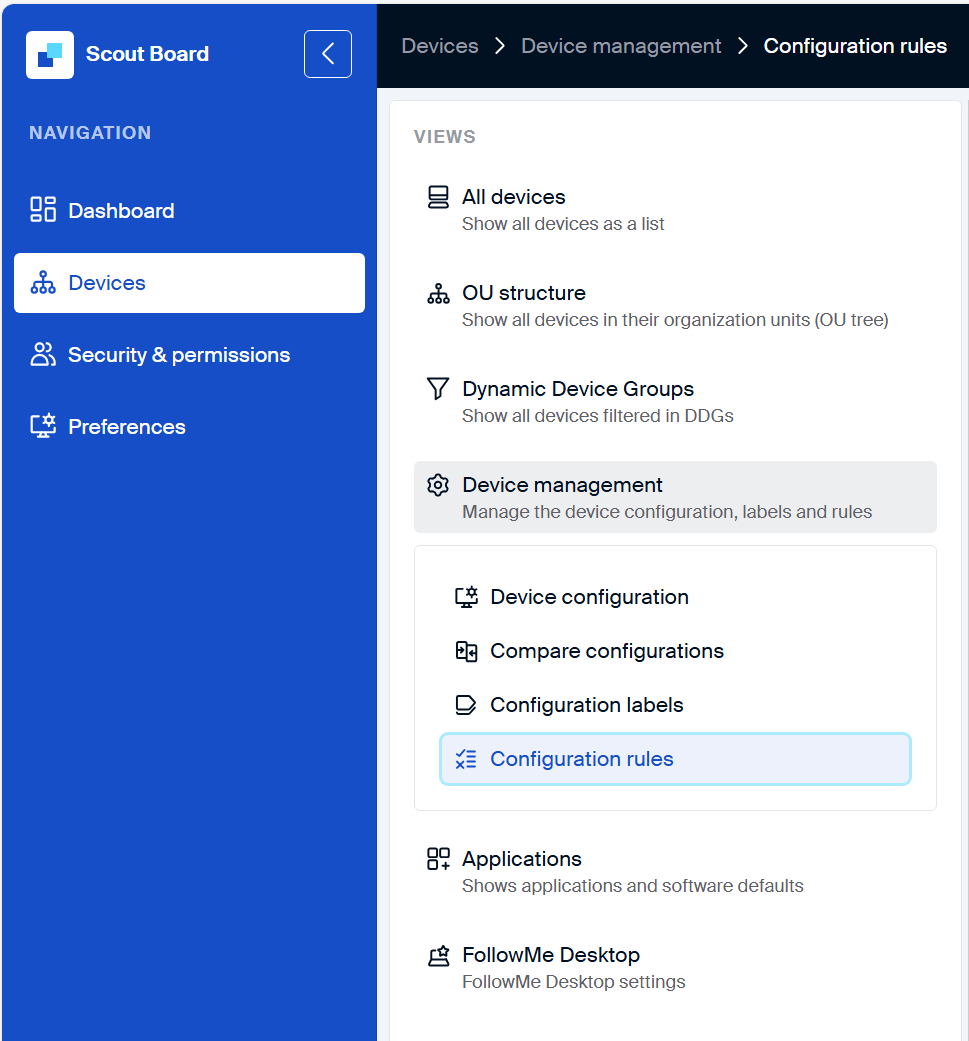
Labels
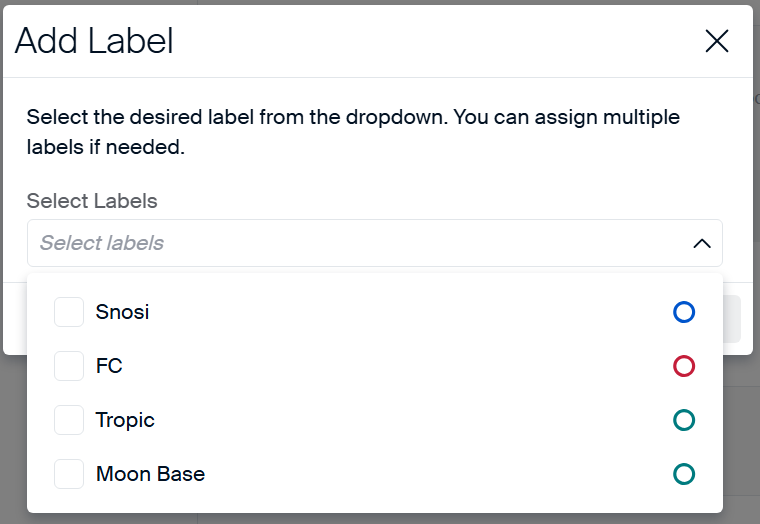
A label is a small unit for defining specific configurations for a defined use-case. In a label, one or more sections from the device configuration can be added and the configuration can be defined.
This way, each label has a group of specific configurations, which can be applied to an endpoint.
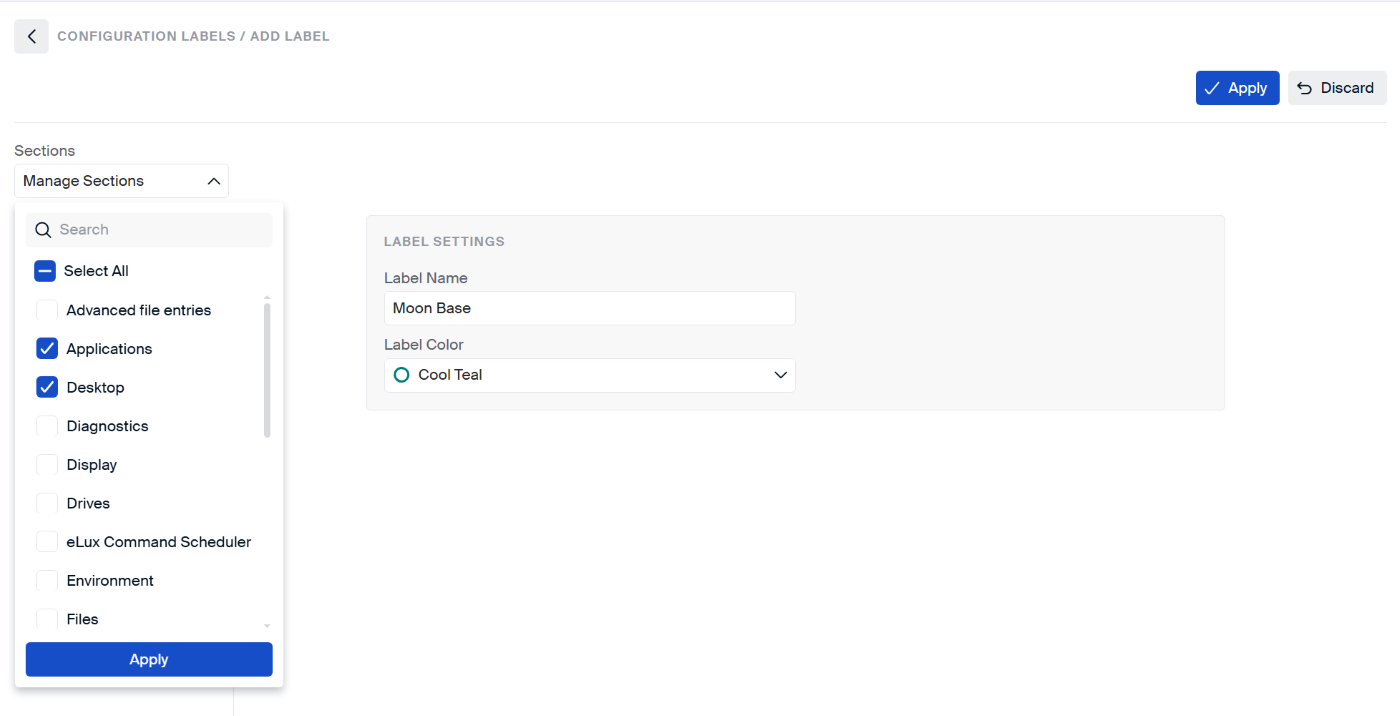
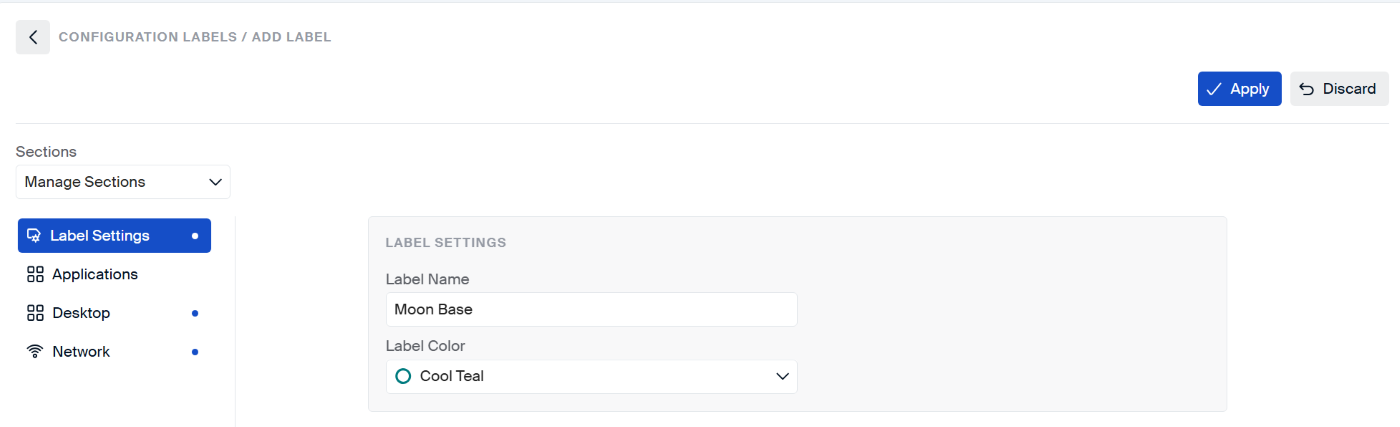
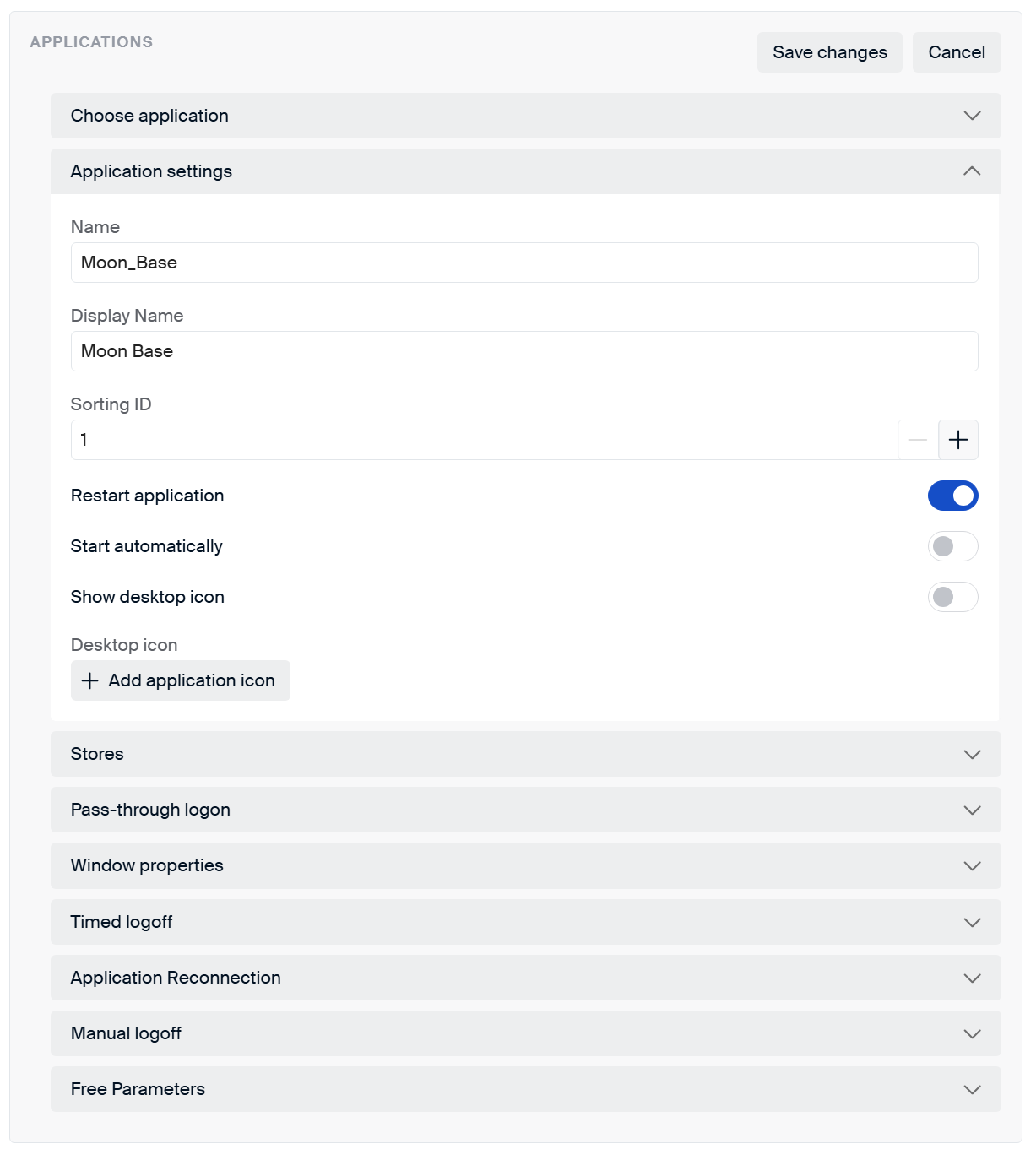
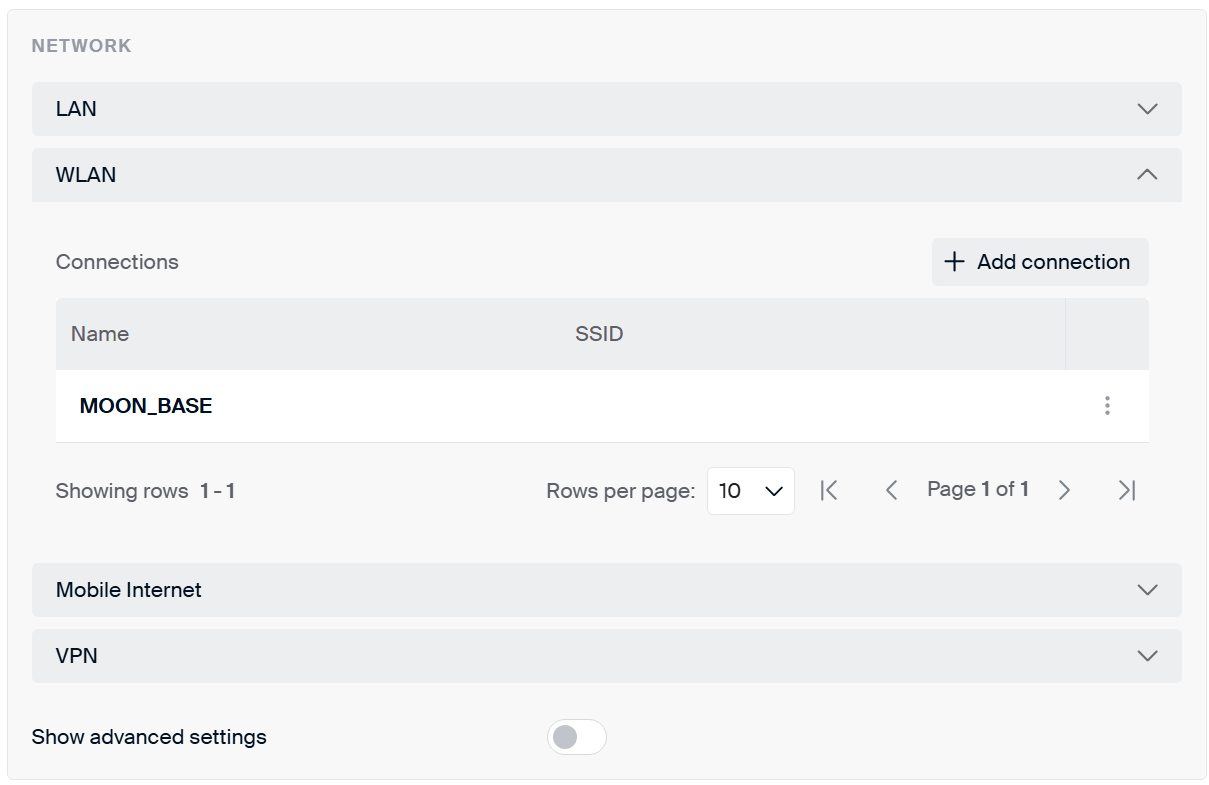
One or more labels can be assigned to a defined rule.
The sequence of the labels also defines the priority or the configuration for an endpoint.
If the endpoint receives two labels, and both labels contain the same configuraiton section but with different configurations, the higher priority label will override the other during the merge of the configurations.
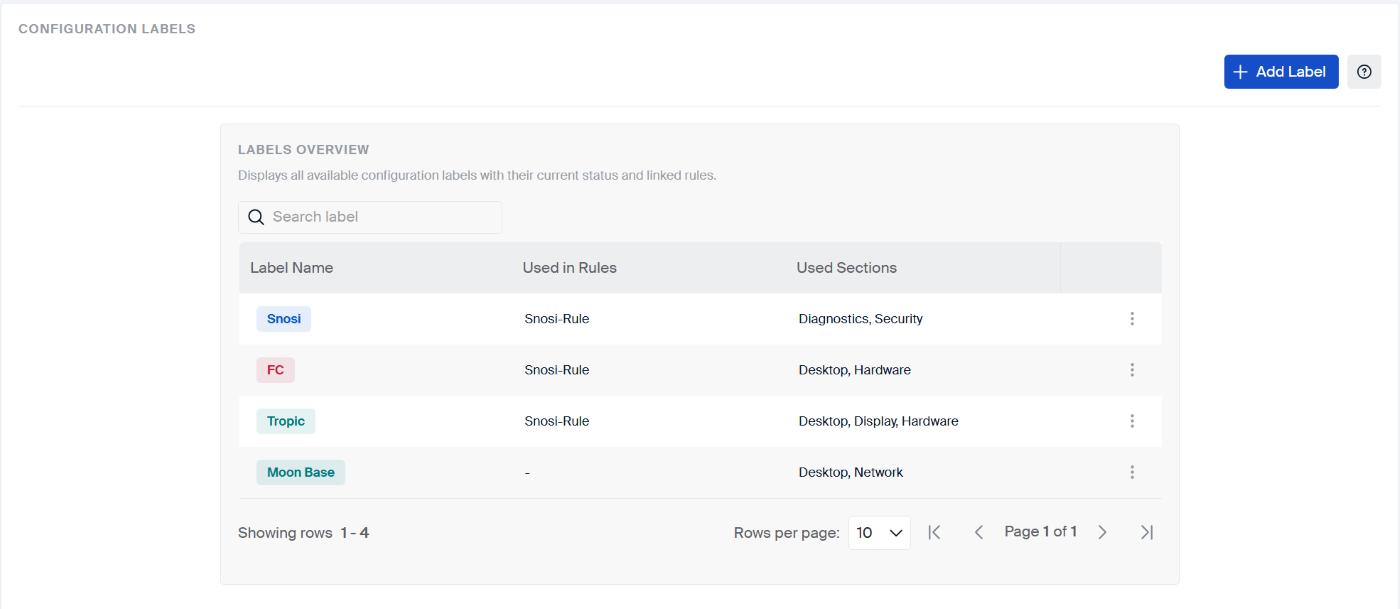
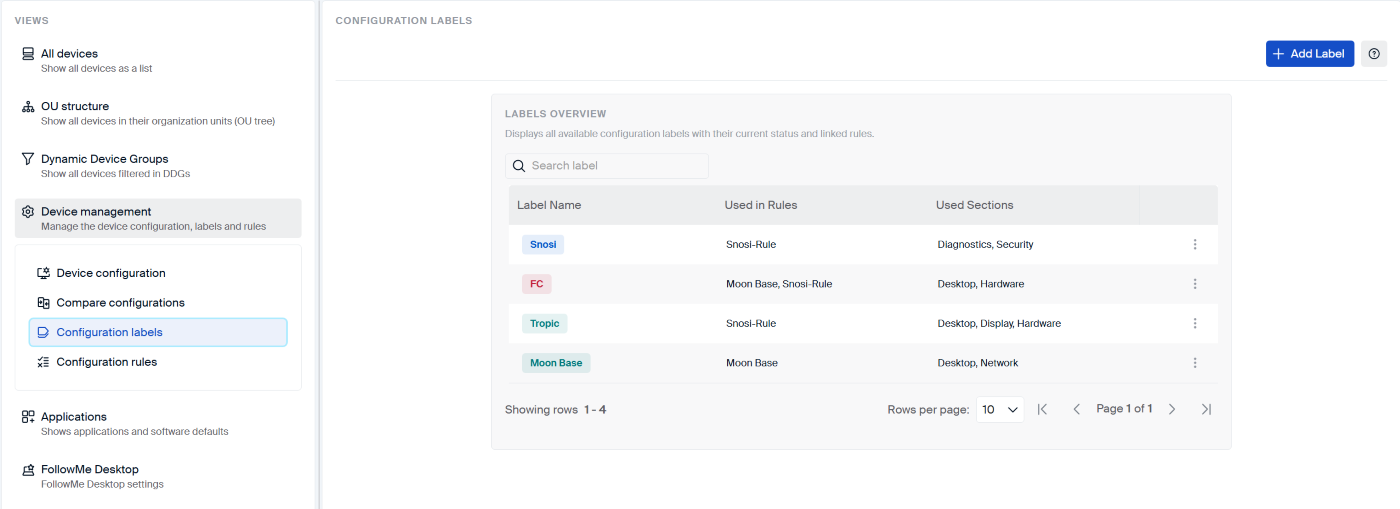
Rules
A rule contains a logical expression, with different parameters and values. When a device connects to Scout, and this logical expression is valid, then this rule will be applied.
Each rule will have one or more labels assigned to it.
The device will then get the configurations defined in the assigned labels.
If multiple rules apply for an endpoint, the higher priority rule and the labels assigned to the rule will override the other during the merge of the configurations.
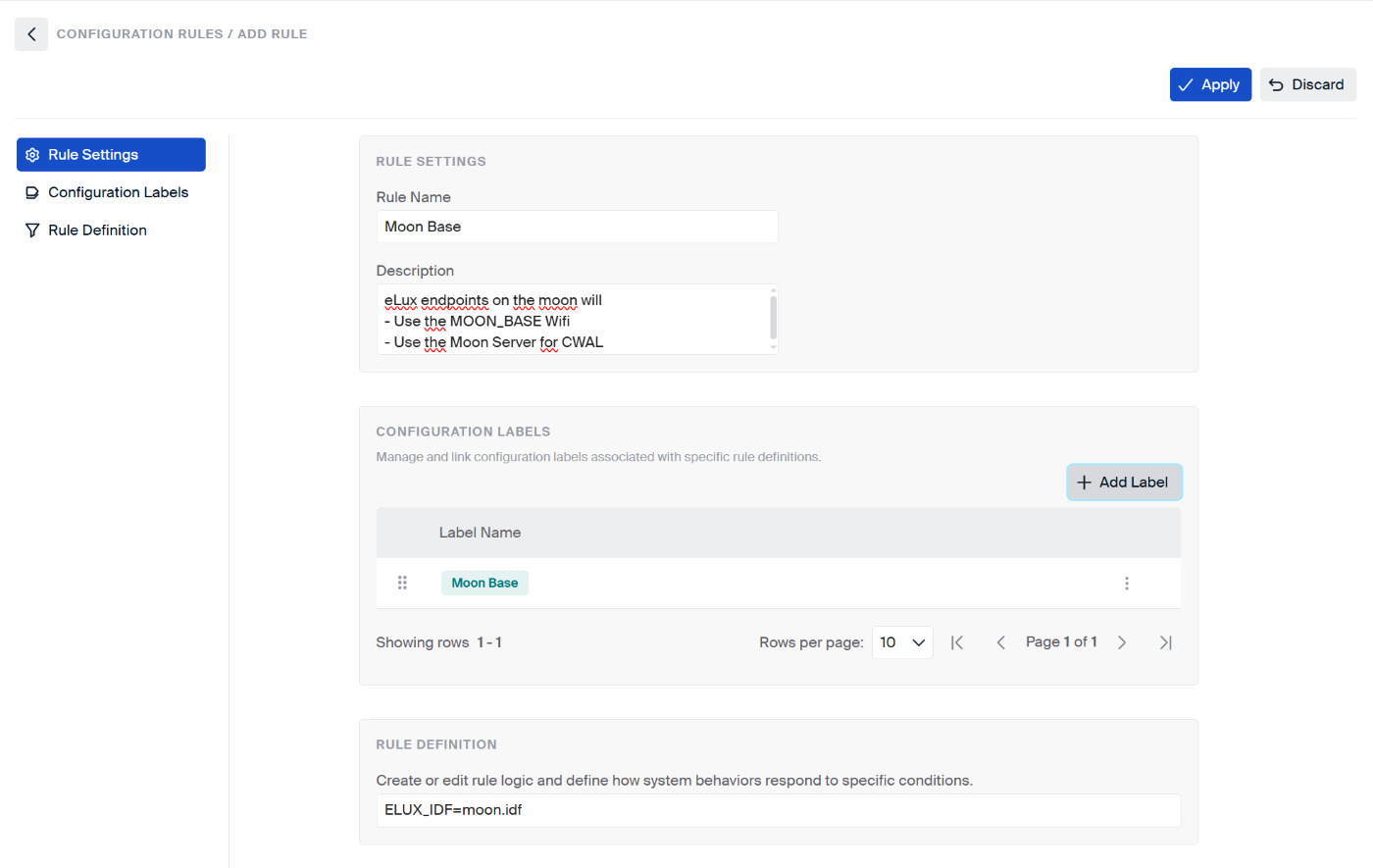
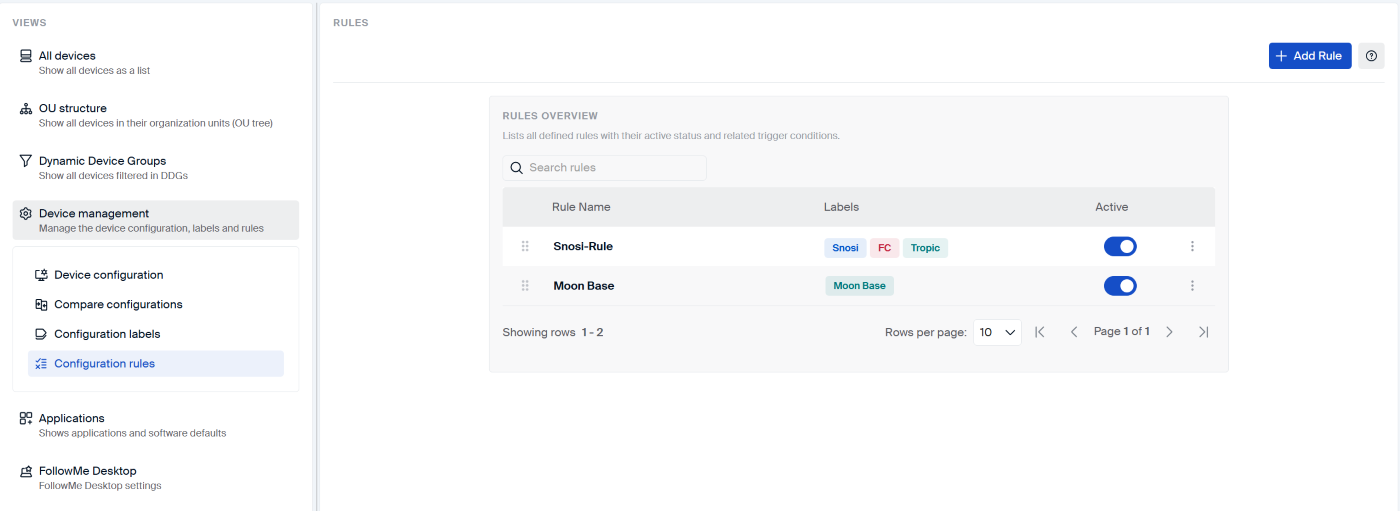
The available parameters is the same like the ou filter rules: User defined OU filters
Priorities
Labels and rules have a priority. The higher priority wins and overrides the lower priority one.
When the configuration for a devie is calculated, the different configurations will be merged by following a definesd sequnce of priority.
The priority is listed from low to high, while the higher will override the same configuration parameters.
- Base configuration –> lowest priority
- Inherited device configuration or Independent device configuration
- Advanced device configuration
- Label (Assigned directly to the OU)
- Label (Assigned directly to the Device)
- Independent configuration (Device)
- Rules –> highest priority